
PROGRAMMING
Everyone knows what Github is.
If you're a newbie like me, you might still be afraid of touching it. While I haven't really progressed past git commit + git push, I do know that you can use Github as more than a version control tool for your projects.
In addition to the open-source projects that anyone can commit to, Github also has countless resources you can use as learning materials.
While following an online course can be great, sometimes having extra practice can help you better retain what you previously learned. The popular sites "Codewars" and "Codekata" are one way to get extra practice every day, as you can select a language of your choice and solve as many problems as you'd like.
For those of you specifically searching for Pandas practice, you can benefit from this list of the Top 4 Repositories on GitHub for Pandas! There's a repository for every level, whether you've just gotten started with Pandas or if you're already looking to bring your skills from basic to advanced. I've included the ones with the most forks as a measure of popularity.
Pandas Exercises — All Topics (4k Forks)
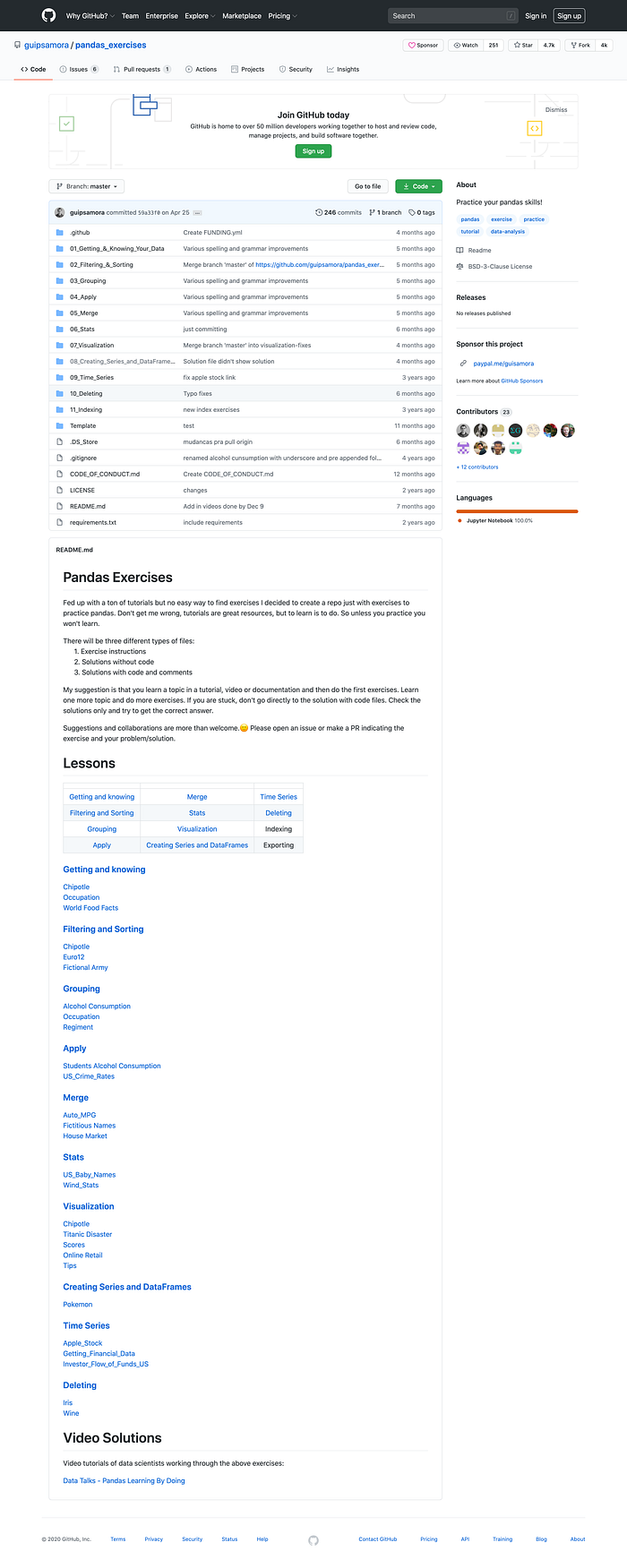
This repository has 11 different sections with exercises from getting data into a DataFrame to creating advanced visualizations. Each folder has multiple data sets, which all have different exercises.
You can download the IPYNB files to open up the Jupyter notebooks and try out the exercises for yourself. There are empty cells below each question, so you can input your code and then check your answers by looking at the "Exercise_with_Solution.ipynb" file.
There are a total of 27 notebooks for you to go through, so this is definitely a comprehensive resource. Even if you're already familiar with Pandas, it's worth going through the "Getting and knowing" section, because you may find functions like .describe(include=all) and .nunique() that you haven't seen before.
There's also a link to videos of data scientists going through all the notebooks, so if you'd prefer to watch a walkthrough of the solutions instead of just reading them, you can check that out here.
Pandas Videos — All Topics w/ Videos (1.2k Forks)
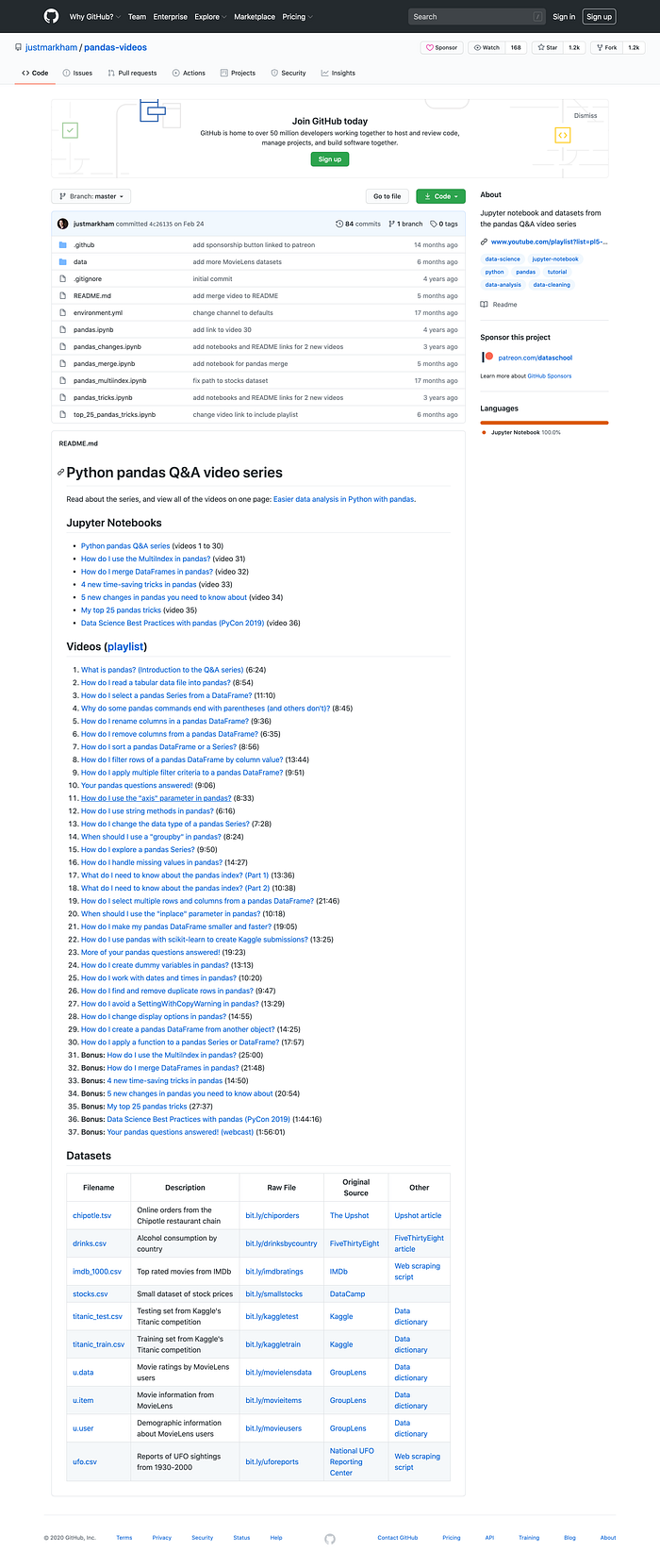
This repository contains Jupyter notebooks with code from a video series that goes through a lot of different Pandas functionality. The author goes through how to solve a question using a real dataset (has been posted online by the author and is included in the notebook).
Ideally, you would have a Jupyter notebook open and follow along with the video. Then, once you've finished with the video and gone through all the code, you can use the notebooks included in the repository as an answer sheet. There are also some additional footnotes in the notebooks that may help clarify the output of certain cells.
This list of videos and associated notebooks is very comprehensive, so odds are if you have a Pandas related question you will find a walkthrough here. There are simple, niche questions like "How do I sort a Pandas DataFrame or Series" and broad, complex ones like "How do I use pandas with sci-kit learn to create Kaggle submissions".
100 Pandas Puzzles (1k forks)
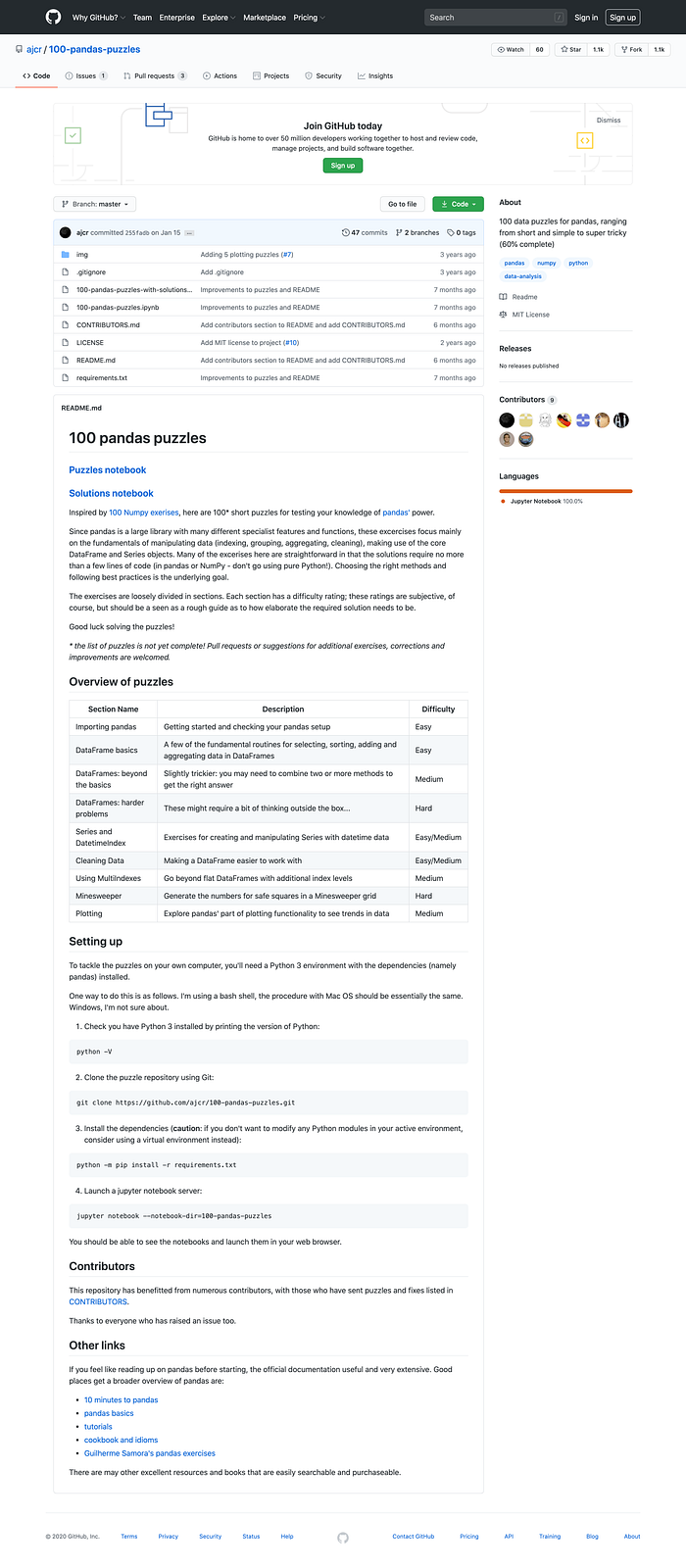
This repository has just one Jupyter notebook for you to download with all the exercises. Each question has a cell below where you can fill in your code, which you can check against the relevant cell in the solutions notebook.
The notebook is divided into different sections like "Importing Pandas", "DataFrame basics", "Series and DatetimeIndex" and so on. You'll find that most questions can be solved with just a couple lines, so ideally you won't have giant blocks of code for a single question.
There's also a cool "Minesweeper" section, where:
we'll make a DataFrame that contains the necessary data for a game of Minesweeper: coordinates of the squares, whether the square contains a mine and the number of mines found on adjacent squares.
It's categorized as "medium to hard" in difficulty, but if you've gone through the previous exercises, you should be able to get through it. I thought it was a fun break from traditional data analysis, as it forces you to think of how to manipulate a DataFrame in a unique situation.
The author also notes that the list of puzzles isn't complete, so if you also want to contribute to the list of puzzles, you can submit requests for additional exercises, corrections, and improvements.
Pycon 2019 Tutorial — Intermediate Level (180 forks)
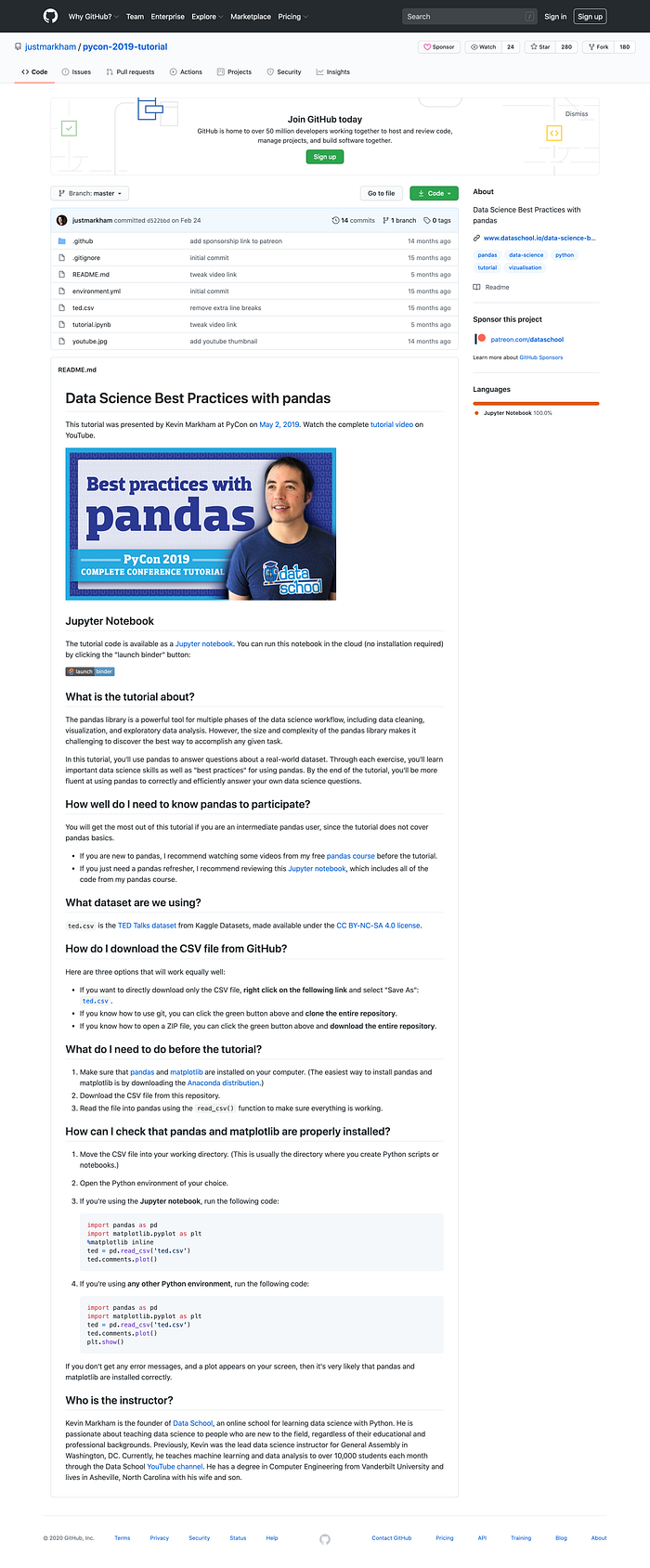
This repository includes a (very long) notebook with the code discussed in the "Data Science Best Practices with Pandas" video produce by the author. It's best for intermediate Pandas users, as it doesn't include a walkthrough of Pandas basics.
There are eight main sections, which don't really follow a "tutorial" type format. Instead, the notebook reads like an actual data analysis project, from examining the data to cleaning it to creating preliminary visualizations to answering specific questions like "Which occupations deliver the funniest TED talks on average?".
If you're new to data analysis projects with Python and Pandas, it may be worth going through the whole video to see how someone would approach the different steps of cleaning, exploration, and analysis. Then, you could apply those best practices on your own projects.
I hope you found this compilation of popular repositories useful! There are plenty of different ways to learn, so definitely give one of these resources on GitHub a go if they fit with your level of Pandas and style of learning.
If you're interested in looking at a data analysis type project where I analyzed Medium's popular page for what kinds of stories are trending, you can check this out:
Have fun with your Pandas learning!