
I've previously explored the impressive, and often underestimated, capabilities of frontier models like Claude to generate vast amounts of text. We're talking about outputs of up to 128,000 tokens, which translates to roughly 96,000 words. This incredible feature allows for ambitious projects, such as generating an entire book with AI.
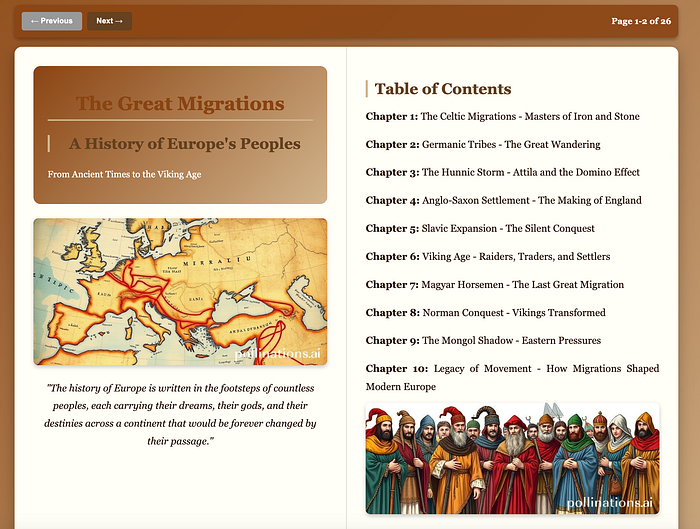
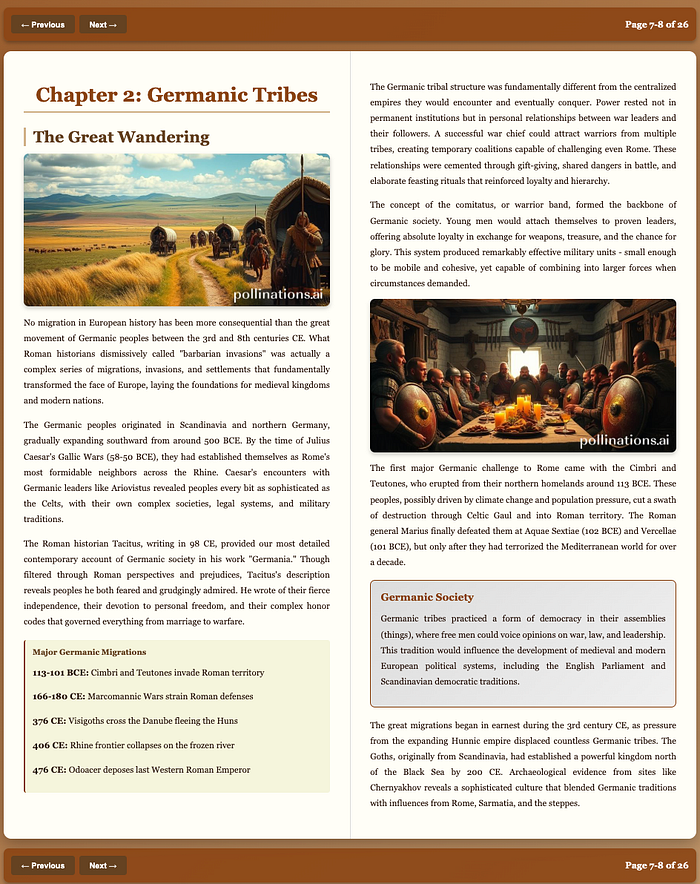
This time, we're taking it a step further. We will not only generate text with embedded images but also create a fully-fledged, readable book. This process will leverage Claude's textual and knowledge-based capabilities, as well as its design and code generation skills. To bring our book to life with visuals, we will use the open-source framework, Pollinations, to generate images on the fly for any topic you can imagine.
By the end of this process, a single prompt will yield a complete digital book featuring:
- A table of contents
- Easy navigation
- Up to 24 pages of content matching your chosen topic
- Images for every chapter
- A download option in PDF format
- All accessible within your browser
You can view the final book here https://huggingface.co/spaces/airabbitX/e-book
Understanding the Tools
While many are familiar with Claude, Pollinations might be a new name. In simple terms, Pollinations is an open-source service that generates images dynamically. By embedding your image description directly into a URL, the service creates and displays the image as if it were already there. This amazing tool will be used by Claude to produce relevant images for your chosen topic.
You can find out more about pollination here.
Let's Get Started
To begin, open Claude and enter the following prompt, making sure to replace the example topic with your own. I've had success with topics like the history of Europe and the history of art, but feel free to choose any subject that interests you.
Make an entertaining book about the topic blow using HTML with two-page spreads.

YOUR SPECIFIC REQUIREMENTS:
ADD ENHANCED PRINT BUTTON - Include a print button that prints the ENTIRE BOOK with ALL CHAPTERS. Each page should print on a separate sheet (one page per print page, not two pages together). Create a new window with all 24 pages formatted for individual printing with proper page breaks between each page. Include all content, images, and formatting optimized for printing.
USE POLLINATIONS FOR IMAGES - Include images using this exact format: https://image.pollinations.ai/prompt/[Description]?width=800&height=400 Add multiple relevant images throughout the book
MAKE CHAPTERS LONG - Not short machine chapters - we are humans who want to read. Each chapter needs to be SUBSTANTIAL with lots of detail. Include specific names, dates, places, events, stories. Take your time developing each topic fully.
HTML BOOK WITH TWO-SIDED PAGES - Show 2 pages at once like an open book. Left page and right page side by side.
NAVIGATION THAT I CAN ACTUALLY SEE AND USE - Make navigation buttons visible. Put them at both top AND bottom of the page. Make sure keyboard arrows also work. Include page numbers.
MAKE SURE THE HTML IS COMPLETE - Check that the entire HTML is included. Must end with proper closing tags. All navigation code must be present. All chapters must be included. Don't let it get cut off halfway through.
CREATE IMAGE PRELOAD PAGE - Make first page HTML that includes all Pollinations image URLs you have created (to preload images for faster loading).
The book must be entertaining, have long detailed chapters, use Pollinations images, have working navigation that's impossible to miss, enhanced print functionality for the complete book, and be complete without any truncation.


TOPIC:  The history of Europe and migration of peoples, including all nations such as the Germanic peoples and Vikings"
You may need to click "continue" a few times as Claude generates the substantial amount of content required for the book, which includes not just the text, but also the design and HTML code.
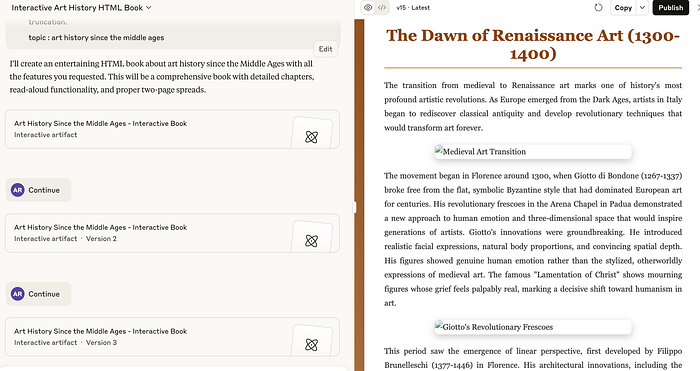
Once the generation is complete, simply download the HTML file and open it in your browser. You should now see a table of contents and be able to navigate through your newly created book using the on-screen buttons or your keyboard.
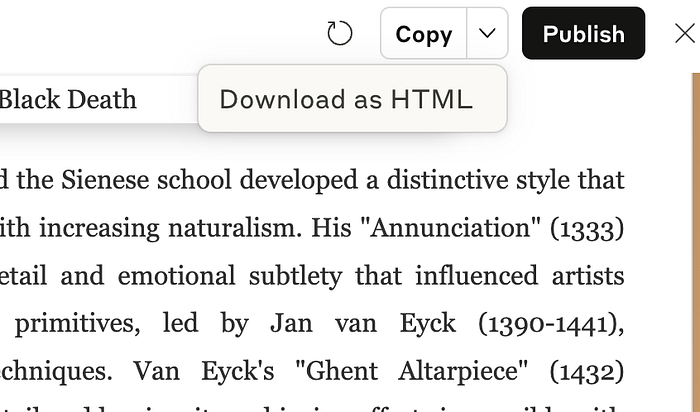
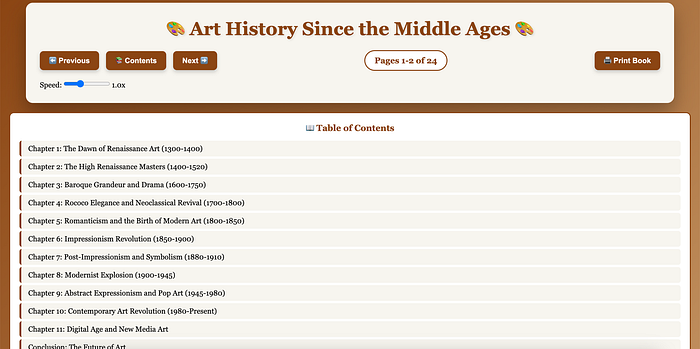
The result is quite impressive, isn't it?
Image Preloading for a Smoother Experience
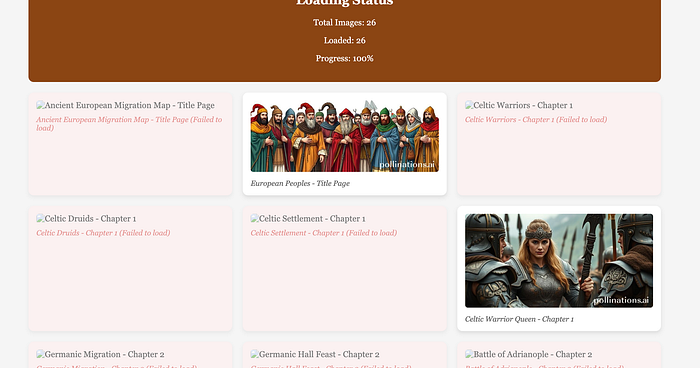
You'll notice the prompt includes a request for an image preloading page. This instructs Claude to gather all the Pollinations image URLs onto a single page. This allows the images to load in the background before you start reading, which may take a minute or two. The benefit is that the images will appear instantly as you navigate through the chapters.
If you choose not to wait, the images will simply load as you encounter them, which might cause a slight delay the first time each image is generated.
Important Considerations
While these technologies are incredibly powerful, they do have some limitations.
- Pollinations Precision: The images generated by Pollinations may not be as precise as those from other image generators. It's best suited for more artistic or conceptual images rather than detailed maps or technical drawings. However, for generating recognizable landmarks like the Eiffel Tower or famous artworks, it performs quite well and adds significant visual appeal to the book.
- Token Length: As mentioned, you might need to press "continue" a few times due to output token limitations. While I've successfully generated large books with this method, it's something to keep in mind.
- Fact-Checking: As with all Large Language Models (LLMs), there is a risk of "hallucinations," or the generation of incorrect information. It is always recommended to use this as a supplementary source and to fact-check the generated content. This is a general best practice when using AI for informational purposes.
The example shared here is just a glimpse of what's possible. The ability to generate extensive content like this opens up a world of creative opportunities that were once unimaginable.
Endless Customization
The possibilities for customization are immense. You could:
- Focus on a specific niche like architecture or art.
- Create content tailored for children.
- Adopt a particular writing style or language.
- Add quizzes at the end of each chapter.
The sky is truly the limit.
In the next installment, we'll explore how to make this content even more accessible by having AI read it aloud. Stay tuned